
Follett Discover Access
Login to Follett Discover Access from Canvas:
Log in to Canvas and select My Materials on the Global Navigation menu (blue menu on the left).

Purchasing textbooks and/or course materials in Follett Discover Access:
Once you are logged in you will see the My Courses screen with your personalized courses for the upcoming term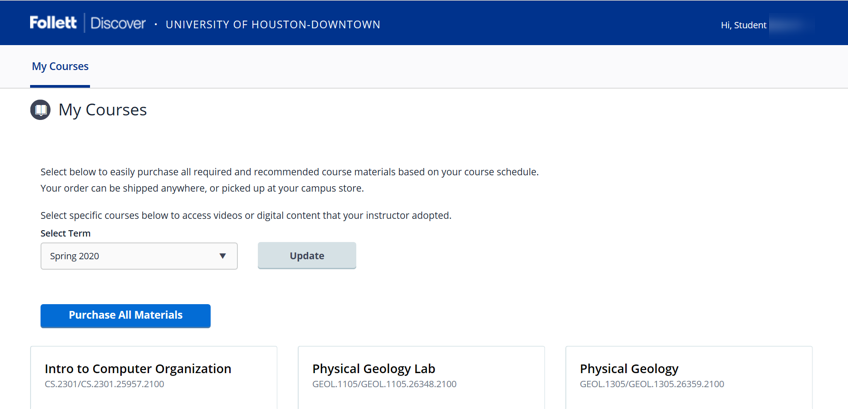
Select a course to view the course materials
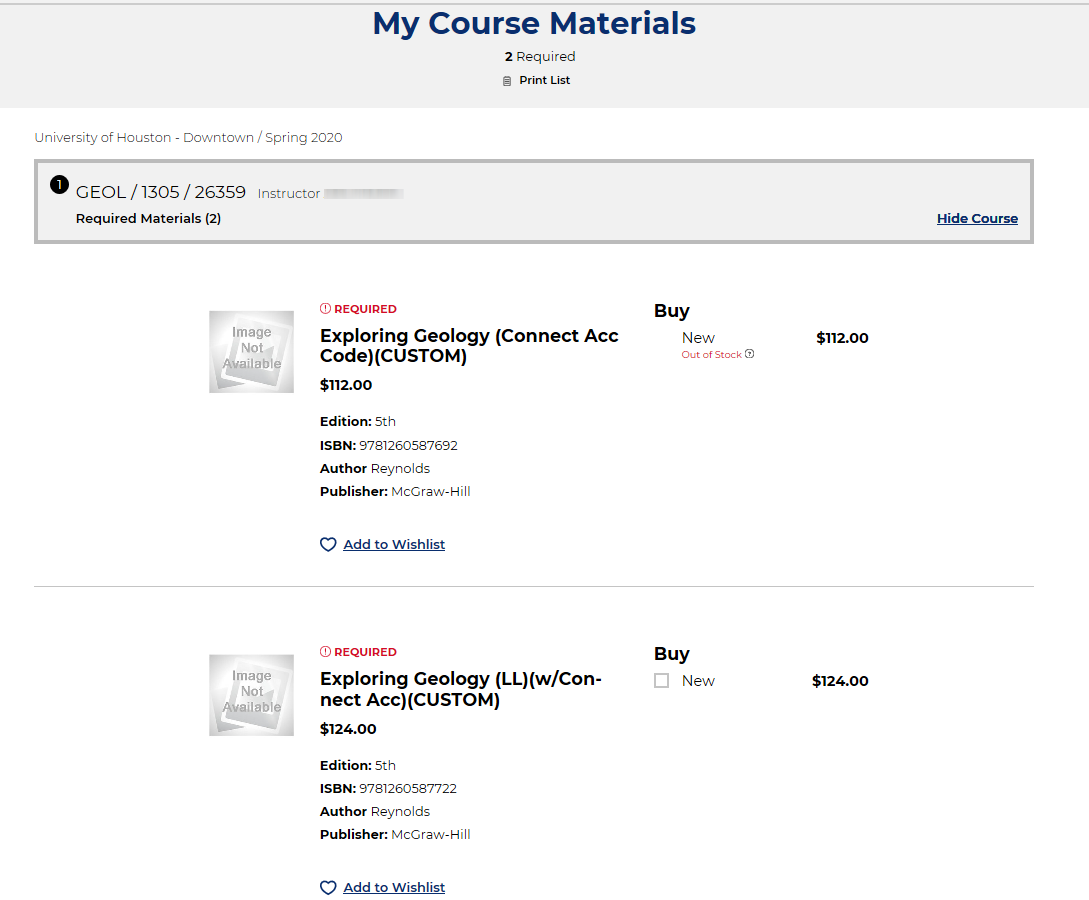
To purchase course materials, click Purchase
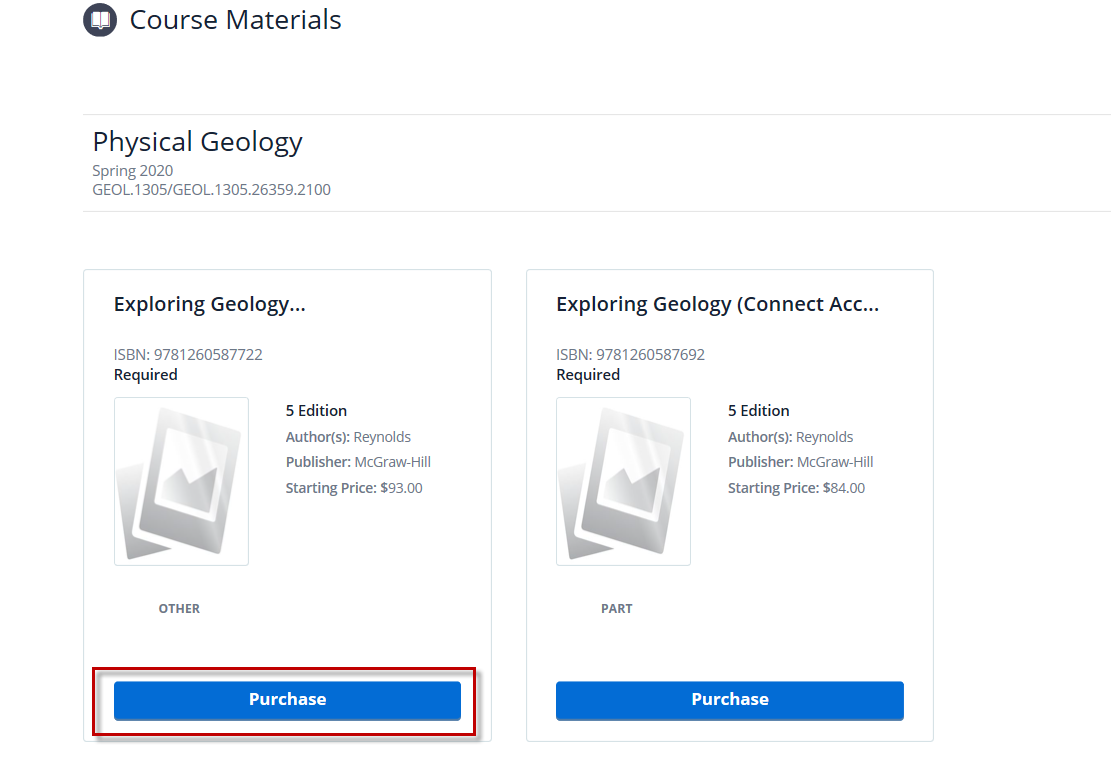 Watch a Follett Discover Access Student Video to learn more or visit Follett: Step-by-Step Student Guide.
For support with Follet Discover Access, email gtap@uhd.edu or contact the UHD Bookstore representatives.
For Canvas support, email TTLCHelp@uhd.edu.